New Features
Windows OS Compatibility
• Software has been updated to latest compiler and C++ runtime distribution support for providing future updates in Windows 11 and later operating systems.
Security Updates
• New node-locked licensing for supporting Windows 10 20H2 and later or Windows 11 has been added. This has been necessary due to lack of vendor support for driver updates to the Sentinel USB security key. Legacy keys will be exchanged for the new node-locked license file provided upon request.
(Note: The node-locked license license is tied to the machine that is activated on based on its hardware fingerprint. Limited support for moving licenses to new machines is available by request.
(Deprecated) Sentinel System Driver updated to 7.6.0, support for Windows 10 Credential Guard and Device Guard has been added.
Probe Driver Improvements
• Fixed issue with EG4080/4090 driver not responding correctly to empty cassette throwing errors when last wafer was done.
• Added native C++ drivers for MPI SENTIO® drivers for TS3XXX with WaferWallet® and vision support.
• Added native for SemiProbe’s PILOT software driver for SP4L probers with vision support.
• Added VBScript drivers in Metrics IDE for Micromanipulator P300L with vision support.
• Corrected probe control chuck separation/contact state management to avoid marking wafers during probe plan verification.
• General clean-up of VBScript Algorithms including issues with parameter caching.
General User Interface Improvements
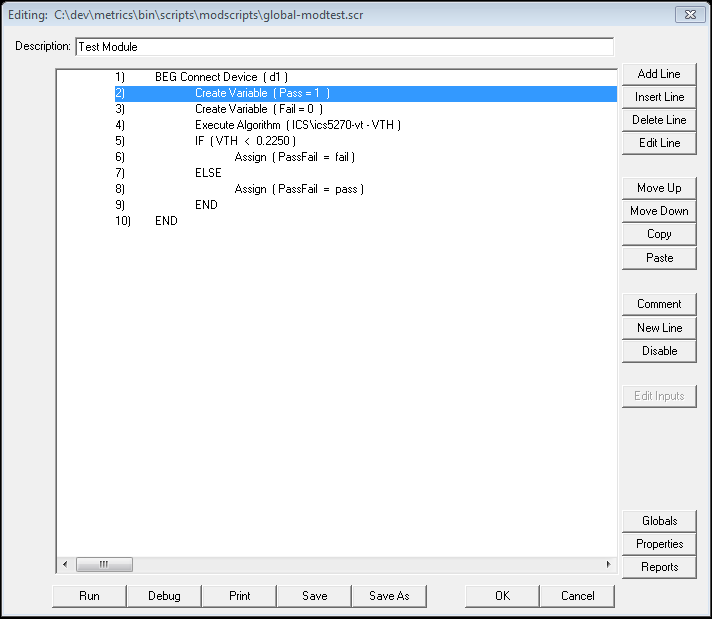
• Increased line limit of Module Script Editor and Die Script Editor to 1024 lines.
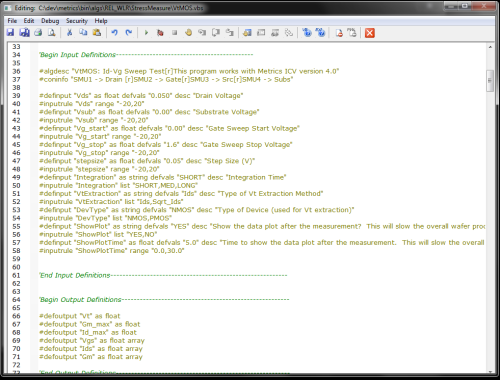
• Increased default width of VBScript Editor in Metrics IDE and added keyboard accelerators for Save, Select All, Cut, Copy, Paste, Define Inputs, Outputs and Print.
• Increased the default width of VB script “Algorithm” setup wizard and added column headers explaining column content making parameter descriptions visible and easier to read.
• General clean-up of default window location coordinates for pop up wizards (i.e. execute VBScript Algorithm setup, Edit Wafer Map, Instrument polling window).
• Updated File “Save” and “Save As” dialogs to display the “Save” button instead of “Open”.
• Enhanced Runtime Reports to allow display of high precision values.
• Enhanced “System Config->Configuration Manager” by added “Output Format” and “Output Significant Digits” properties.
• Full implementation of block move of multiple selected items in module script and die script editor.
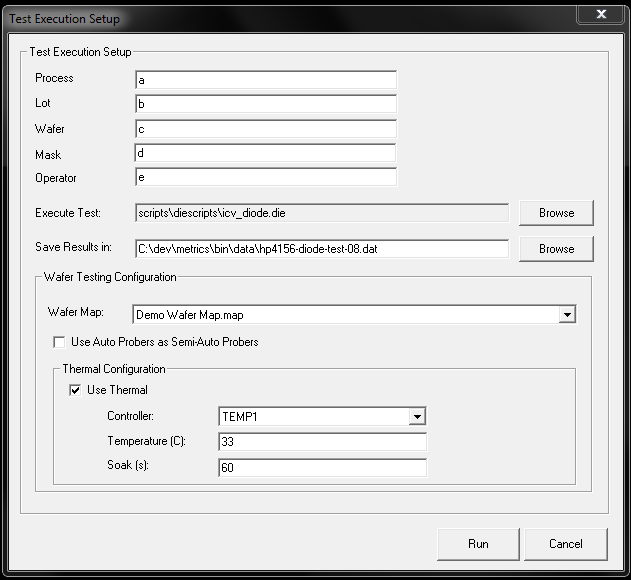
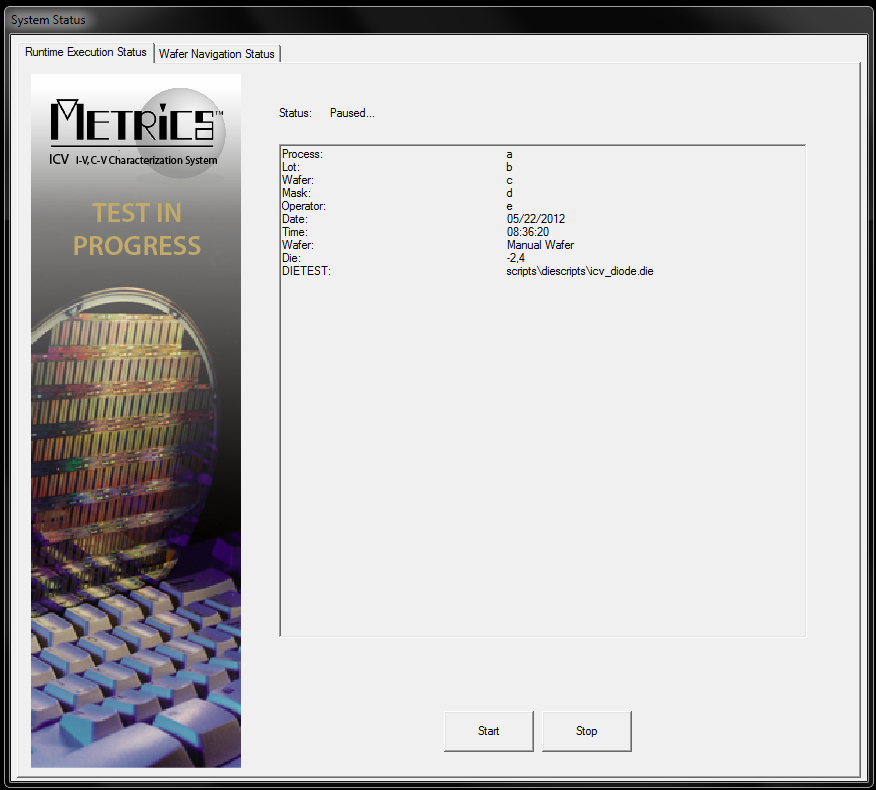
• Implemented “Stop” function in runtime status dialog during temperature testing to allow the pre-heat or temperature soak to be aborted by the user and have thermal chuck return to ambient temperature.
File Exports and File Selection
• Updated File menu “Export” to IC-CAP file for Keysight IC-CAP 2016.
• Updated export dialog to detect file type and auto select correct file format (.ICS – ICS project binary files, .DAT, .TXT – ASCII output files, and MDM – IC-CAP 2016 measured data files).
OLE Server Enhancement
• (Deprecated) Metrics ICV ActiveX server functionality to allow for remote execution of tests from external applications.
• (Deprecated) “ICVCtrl.vb” – Windows Forms application to provide code template for developing custom applications (i.e. custom operator interfaces written in VB.NET or from VBA in other Microsoft products like Excel).
Prober Enhancements
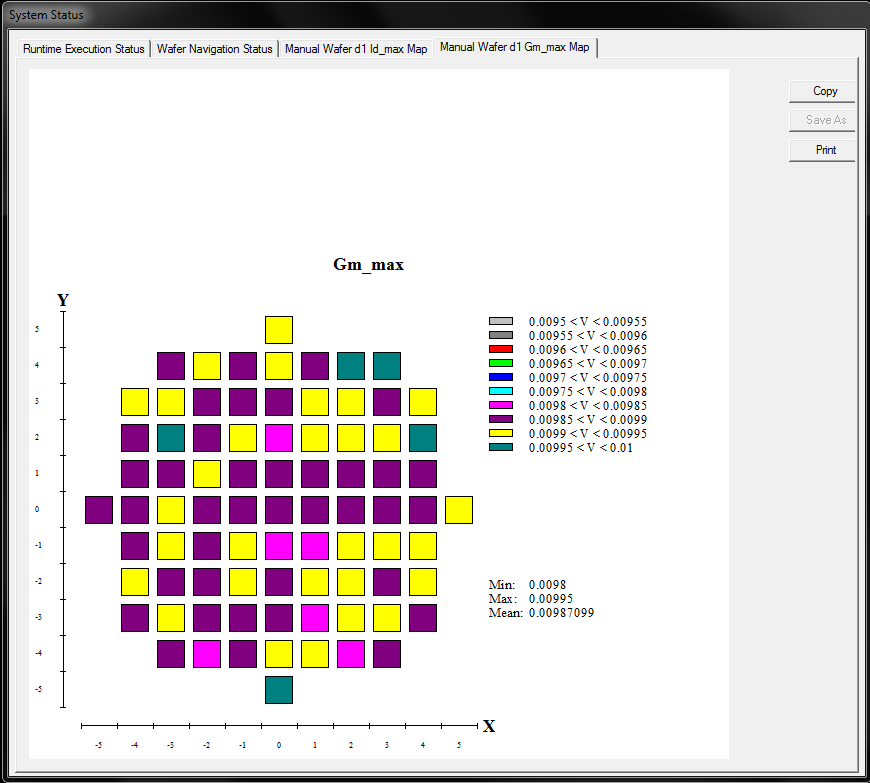
• Updated Die bin color wafer map reporting to correct for wafer definitions with negative index offsets which was previously causing incorrect updating of die on the runtime wafer map.
• Updated “MoveChuckContact” command to support ProberBench 6 format in “pdpbench” driver for Suss PA200/PA300 stations.
• Updated “NucleusVision.svbs” driver to add additional error reporting and logging capability.
• Added auto naming for output datafile when performing full-auto probing with the “Append to single data file” if enabled. All wafer data is now written to an auto-generated data file “__Lot__MM_DD_YY_HH_MM_SS_AM?PM.dat” to store test results for multiple wafers in a wafer test run.
• Changed 0 deg slot orientation for wafer map to match auto prober map definitions. Note: This will require that older wafer map files be updated to correct orientation in existing .MAP files.
• Added OCR support for wafer Id to the TEL P8 prober driver. Now sends ‘n’ command to return wafer ID from OCR module. If OCR is not installed or supported then ‘w’ command returns slot number.
• Changed wafer flat location in Metrics Miner wafer view to coincide with changes to wafer map definition.
Other Improvements
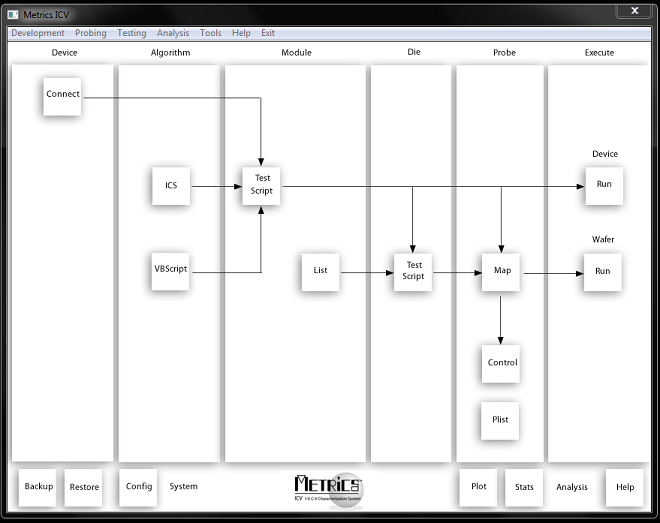
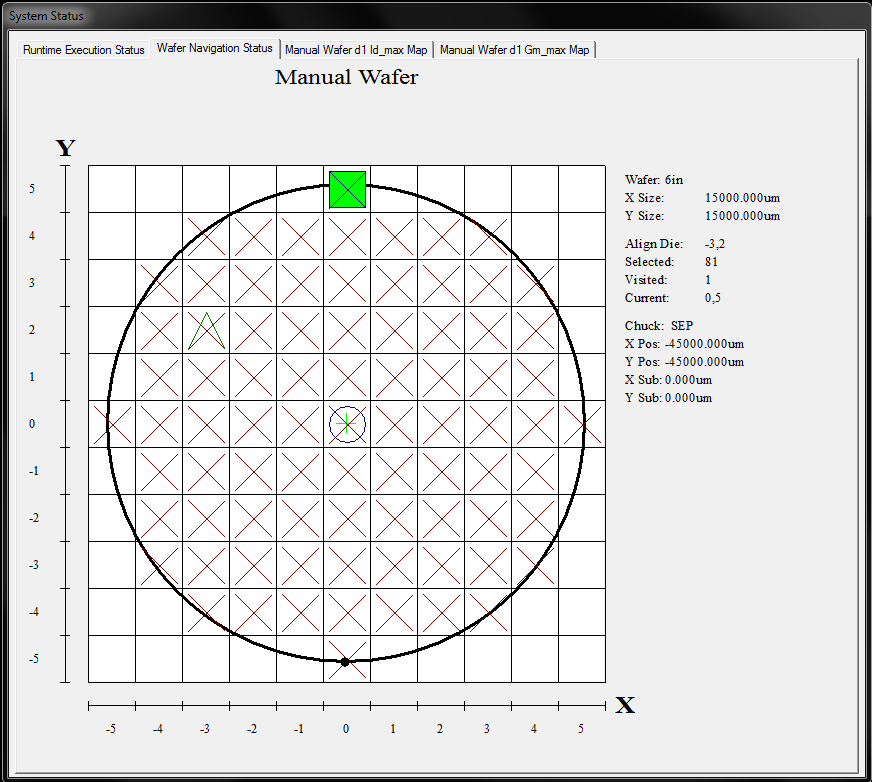
• Faster start up time of the shell and display of navigation map.
• More responsive UI when selecting editors.
• Ability to create subdirectories for organization of probe lists and wafer maps under the \Wafermaps directory.
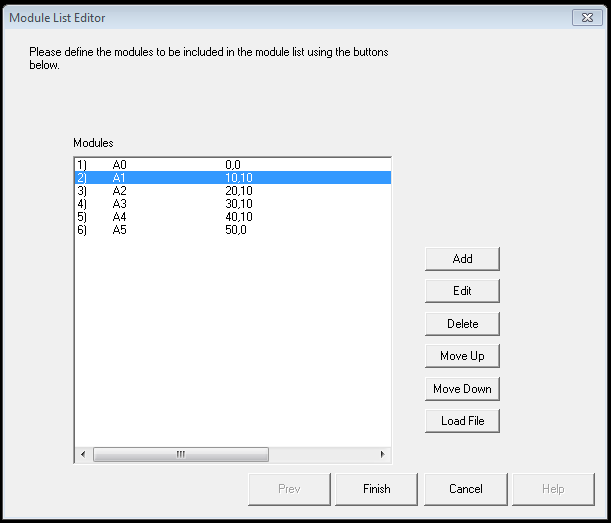
• Module lists can be selected from subdirectories from Navigate modules in the Die Script Editor and Probe Control dialog allowing for better organization of module information.
• Multi-select functionality added to all select list dialogs to allow for block select or move for items.
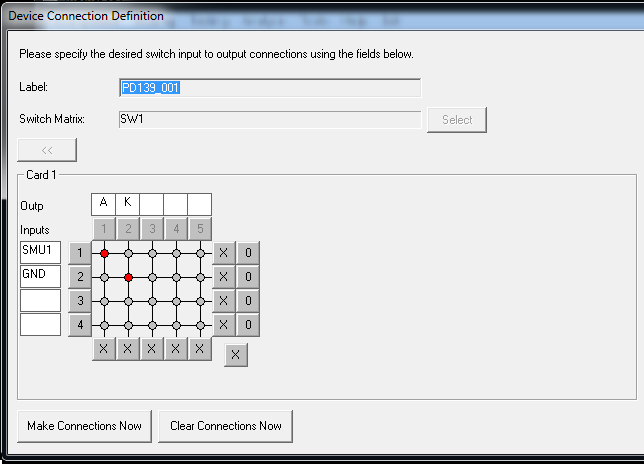
• Labels for documenting device connections in the Device Connection Editor.
• Bulk export or device connections to device connection input (.DCI) file format to allow for easier modification and transfer of switch patterns between multiple systems.
• Data file support Lot_Wafer_Date_Time information in full-auto and append to one data file are checked.
• Feature that allows appending wafer data to a single file when performing auto-probing
• Enhancement to Metrics Miner to allow loading of multiple wafers for lot analysis.
• Support for long path and filenames in ICS export file, auto-store, etc.
• Add feature in Configuration Manager to allow specifying the data output format and precision of floating point values in the ICV output data file.
• ActiveX server to allow remote execution of ICV from external application such as customer written shell in VB.NET.